
Block apps
and focus.
Unfeed shields the apps and websites that distract you, then adds real friction — wait, breathe, or walk — before you can unlock. Less scrolling, more focus, better sleep.
Free to download · iPhone · iOS 17+
Less scrolling
Break the endless feed habit for good.
More focus
Stay present with what actually matters.
Better sleep
Wind down without the late-night doomscroll.
Blocking you can’t undo on impulse
Any blocker can be switched off in a second — which is exactly why they fail. Unfeed puts a real task between you and the unlock, sized to how serious you are:
- MediumA quick confirm before you unblock.
- HardWait out a timer, then type a short reflection.
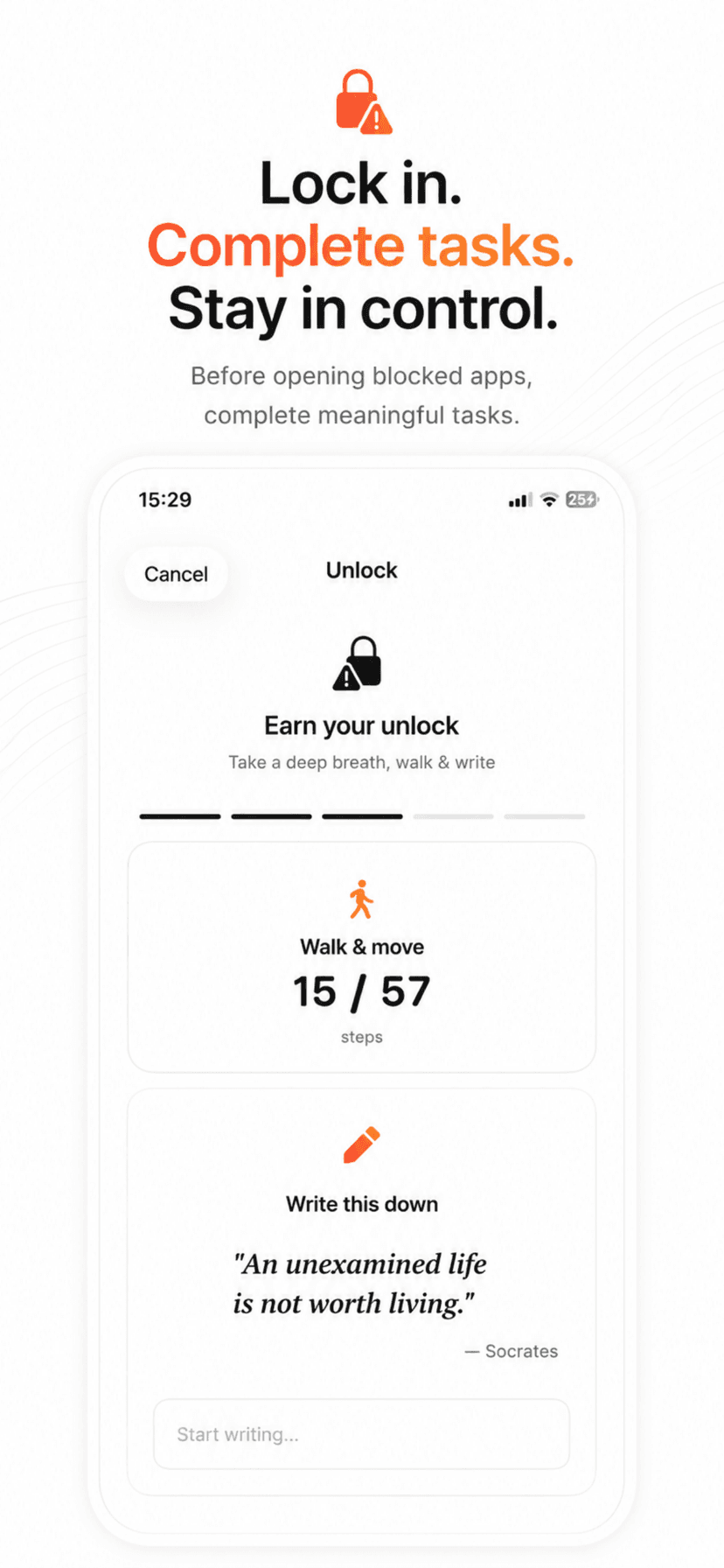
- ExtremeWait, complete a guided breath, and physically walk 50+ steps before the block lifts.
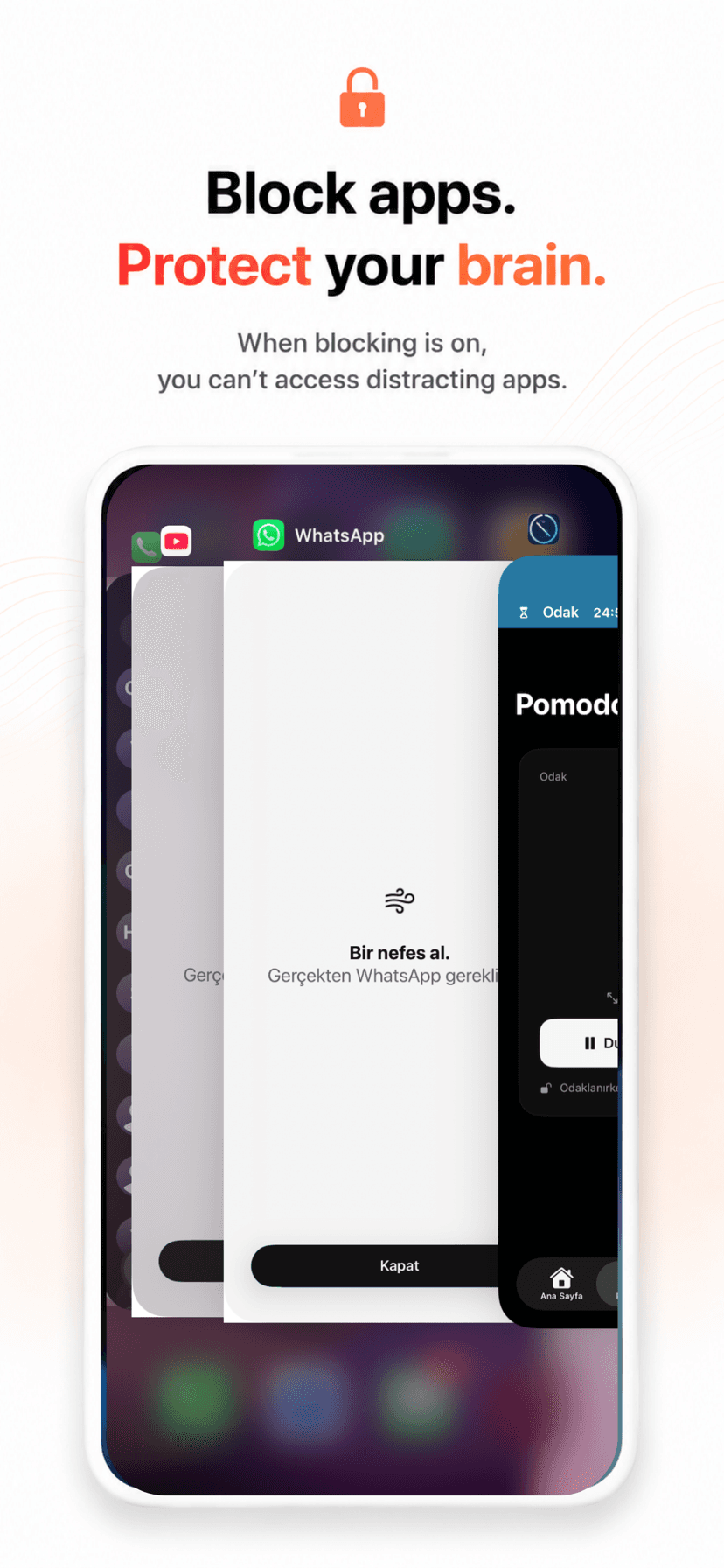
On the block screen
“Take a breath.”
Do you really need Instagram?
Get up and walk
38 / 55 steps
Counted live — the urge passes before you finish.
See Unfeed in action
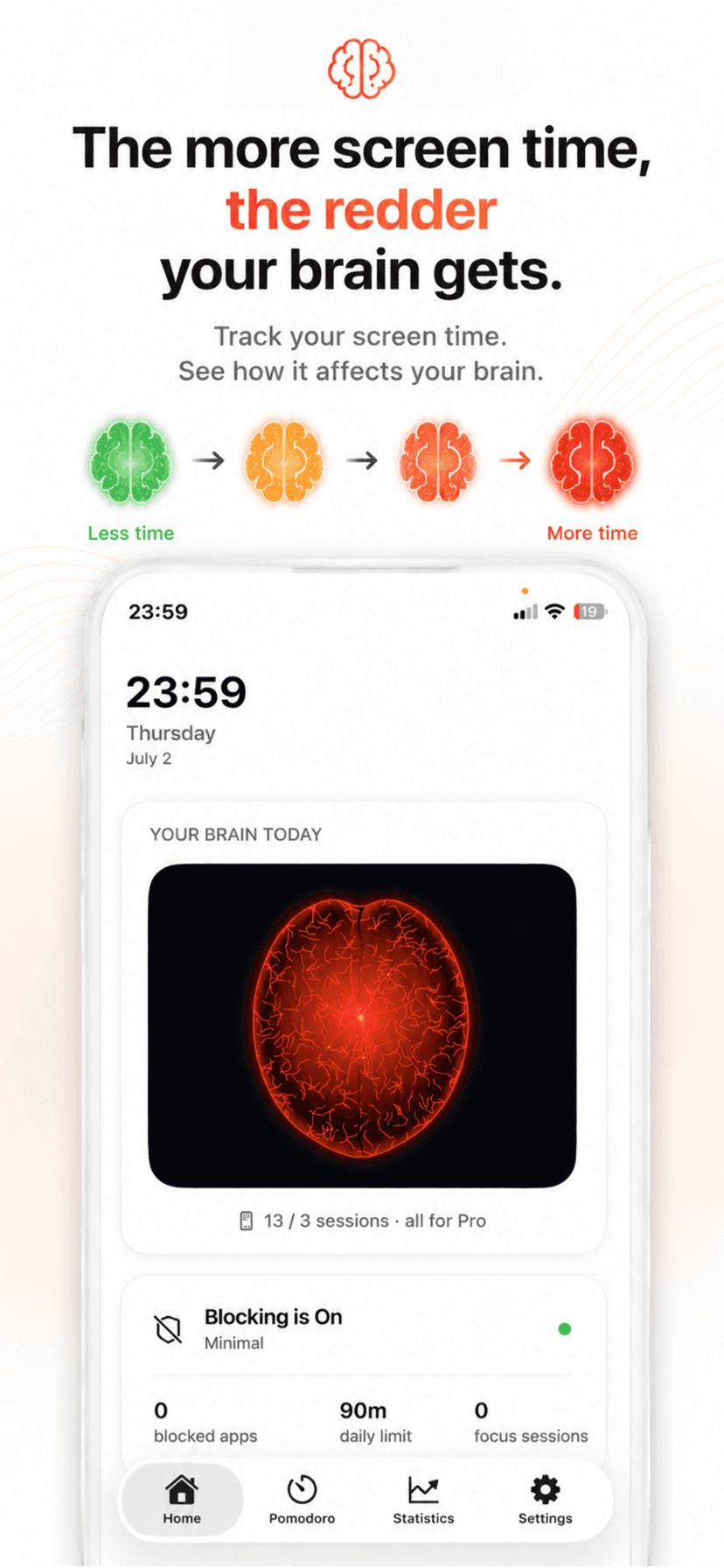
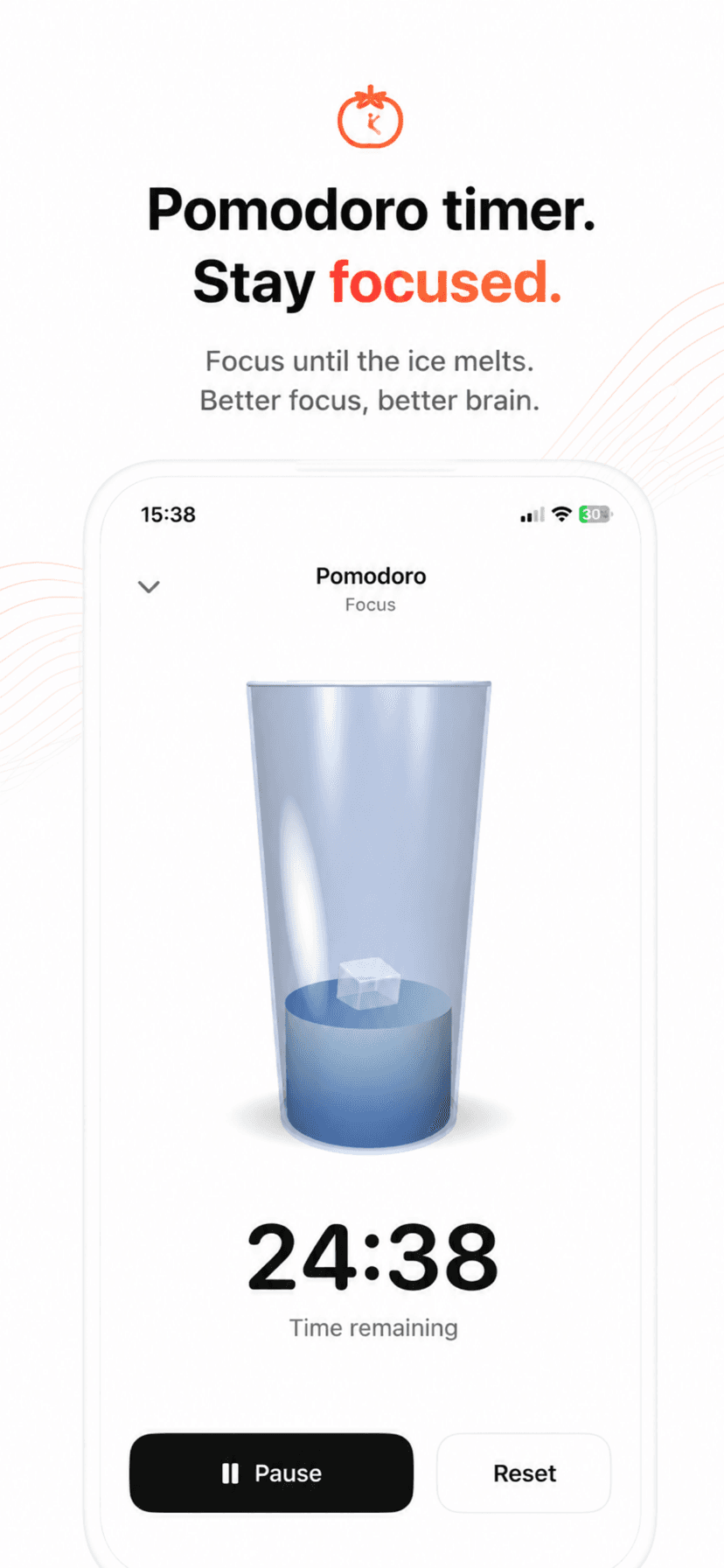
Real screenshots from the app — the brain, the blocker, and the friction that keeps you focused.
Everything you need to take back your attention
Unfeed pairs Apple’s Screen Time controls with a calmer design, so cutting distraction feels effortless instead of restrictive.
Block apps & websites
Choose the apps and sites that pull you in and Unfeed shields them behind Apple Screen Time. Opening them takes intention, not reflex.
Focus Modes & schedules
Always Minimal, Work, Study and Sleep. Each mode blocks the right apps — Instagram and TikTok during work, all social while you study — automatically on a schedule.
Earn your unlock
Set how hard it is to give in. Hard makes you wait and type a reflection; Extreme makes you wait, breathe, and physically walk before the block lifts.
Your Brain Today
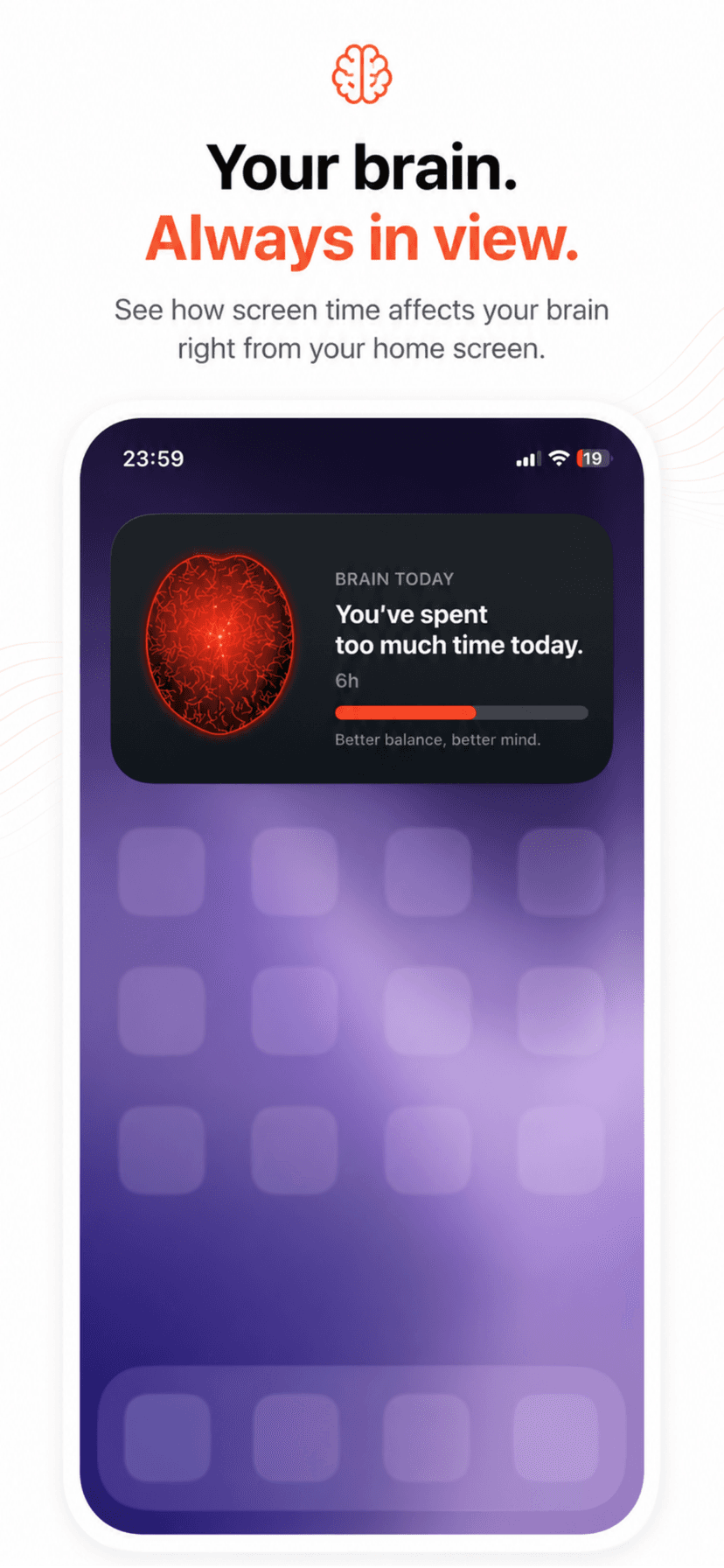
A living picture of your mind that reddens the more you scroll and stays calm when you focus. One glance tells you how today is really going.
Real statistics & streaks
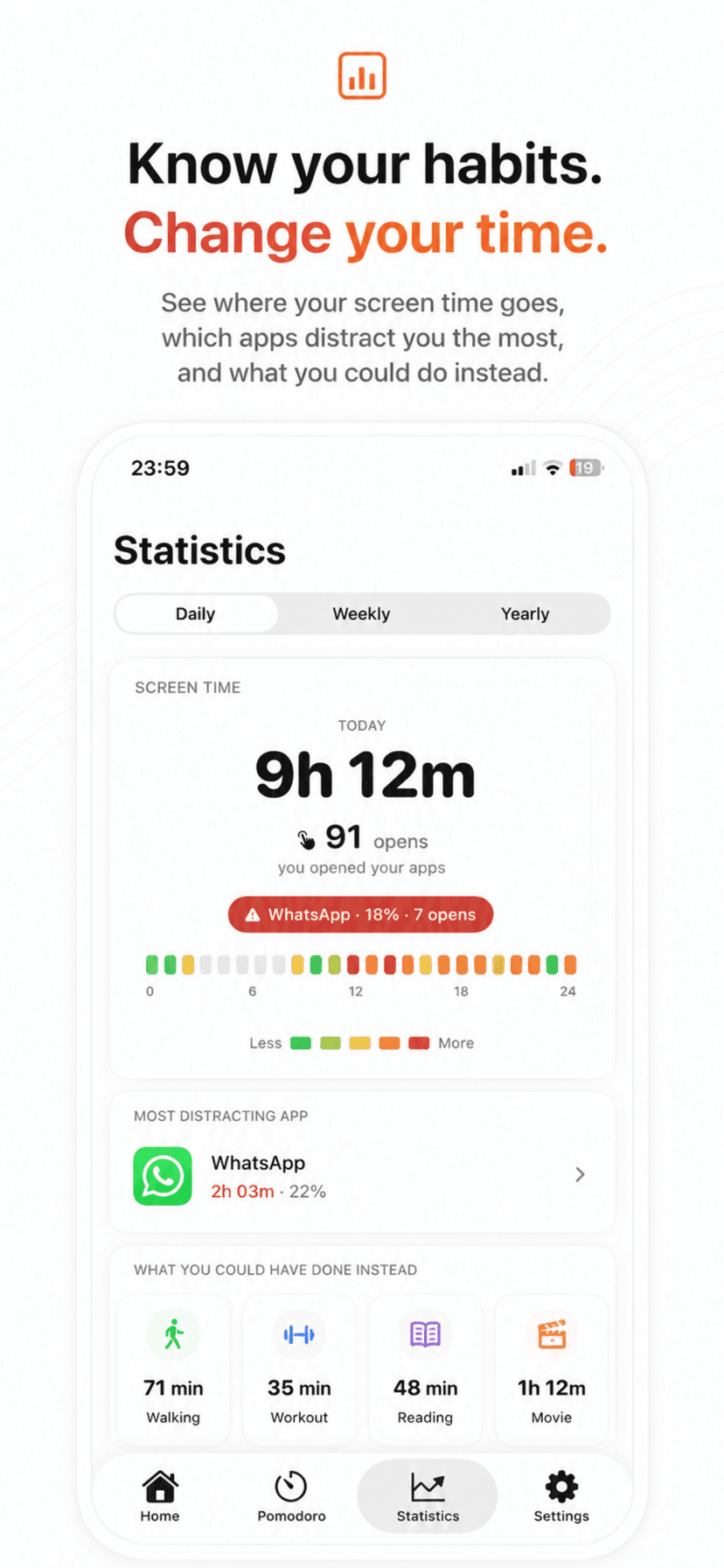
Your true screen-time breakdown, focus sessions, time focused, and a day streak that grows every day you stay on track.
Movement vs screen time
Connect Apple Health and compare your steps — today, this week, this year — against your screen time.
Pomodoro focus timer
Start a focus session with a calm, melting-ice timer. Work in distraction-free sprints.
Kid Mode
Hand your iPhone to a child safely. Pick the only apps that stay open and lock everything else behind a PIN or Face ID.
Widgets & themes
Keep your brain and streak on the Home Screen with widgets, and choose light, dark or pure-black themes.
Calmer in three steps
Setup takes about a minute. The change lasts a lot longer.
Choose what to block
In a 60-second setup, pick the apps and sites that eat your attention.
Set your friction
Pick a Focus Mode and decide how hard it should be to unlock — from a gentle nudge to a walk-it-off Extreme.
Focus, and watch it add up
Your phone gets quieter, your streak grows, and your brain stays calmer — with the numbers to prove it.
Frequently asked questions
What is Unfeed?+
Unfeed is an app blocker and screen-time app for iPhone. Its promise is simple — block apps and focus. You choose the apps and websites that distract you, Unfeed shields them using Apple’s Screen Time framework, and it adds real friction so you scroll less and focus more.
How does Unfeed block distracting apps?+
Unfeed uses Apple’s Screen Time (Family Controls, Managed Settings and Device Activity) to shield the apps and sites you select. When you open one, you meet a calm “Take a breath.” screen instead of an instant feed.
What makes Unfeed different from other app blockers?+
Most blockers are one tap away from being switched off. Unfeed adds friction that scales: Hard mode makes you wait and type a reflection, and Extreme mode makes you wait, breathe, and physically walk before the block lifts.
Can I block Instagram, TikTok and other social apps?+
Yes. You can block any app or website you choose, and the built-in Work and Study focus modes are pre-set to block social apps like Instagram and TikTok during the hours you set.
Is my data private?+
Yes. Unfeed does its work on your device. Thanks to Apple’s Screen Time framework, the list of apps you block and your detailed usage stay private on your iPhone — even from us.
Which devices are supported?+
Unfeed is built for iPhone running iOS 17 or later. It uses native Screen Time controls, widgets, Apple Health and Focus for a system-level experience.
Is Unfeed free?+
Unfeed is free to download with core blocking and focus features. Unfeed Pro unlocks unlimited apps and sites, unlimited schedules, the Hard and Extreme lock modes, and Your Week, Wrapped.
Can I use Unfeed for my kids?+
Yes. Kid Mode lets a parent pick the only apps that stay open and locks everything else behind a PIN or Face ID.
Block apps. And focus.
Join the people spending less time scrolling and more time living. Download Unfeed and feel the difference this week.
Download on the App Store